Automatic installer script
You can download the compressed file Installers.zip that contains the automatic installer scripts for all the extra programs.
You can also download the compressed file Tools.zip that contains some scripts and tools to help configure your VPS.
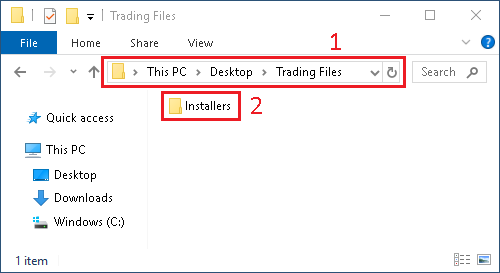
- Open the
Trading Filesfolder on the Desktop - And extract the
Installersfolder contained in the ZIP file you have downloaded
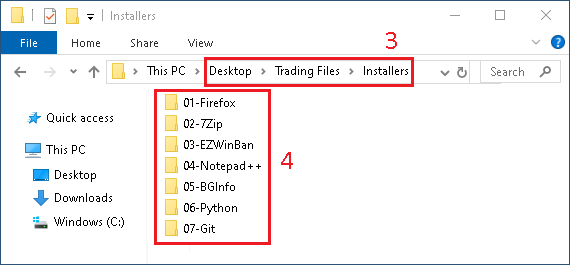
- Open the
Installersfolder - You will a folder for each programs that you can install automatically
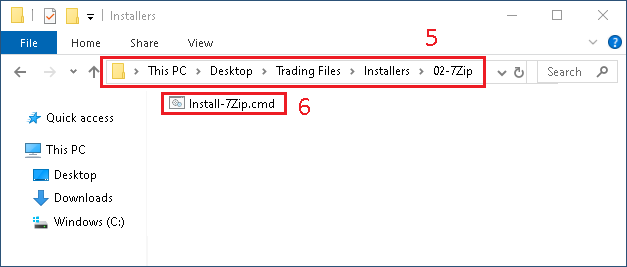
- Open the folder of the program you want to install
- Execute the file called
Install-XXX.cmd
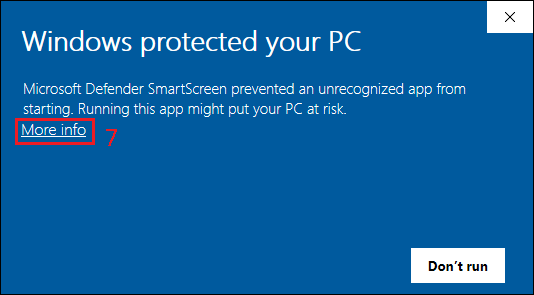
- When you run the script you might have a warning, click
More info
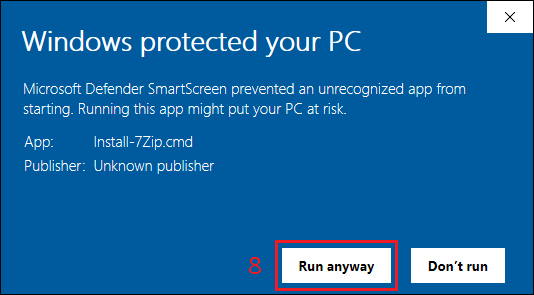
- Then click on
Run anyway